The marks on a Sunlit work

One public record. Several ways to check it.

The permanent public record is the lasting page for a Work’s serial, making details, and proof files. QR codes and tap tags are different doors into that record—and they offer different kinds of evidence.

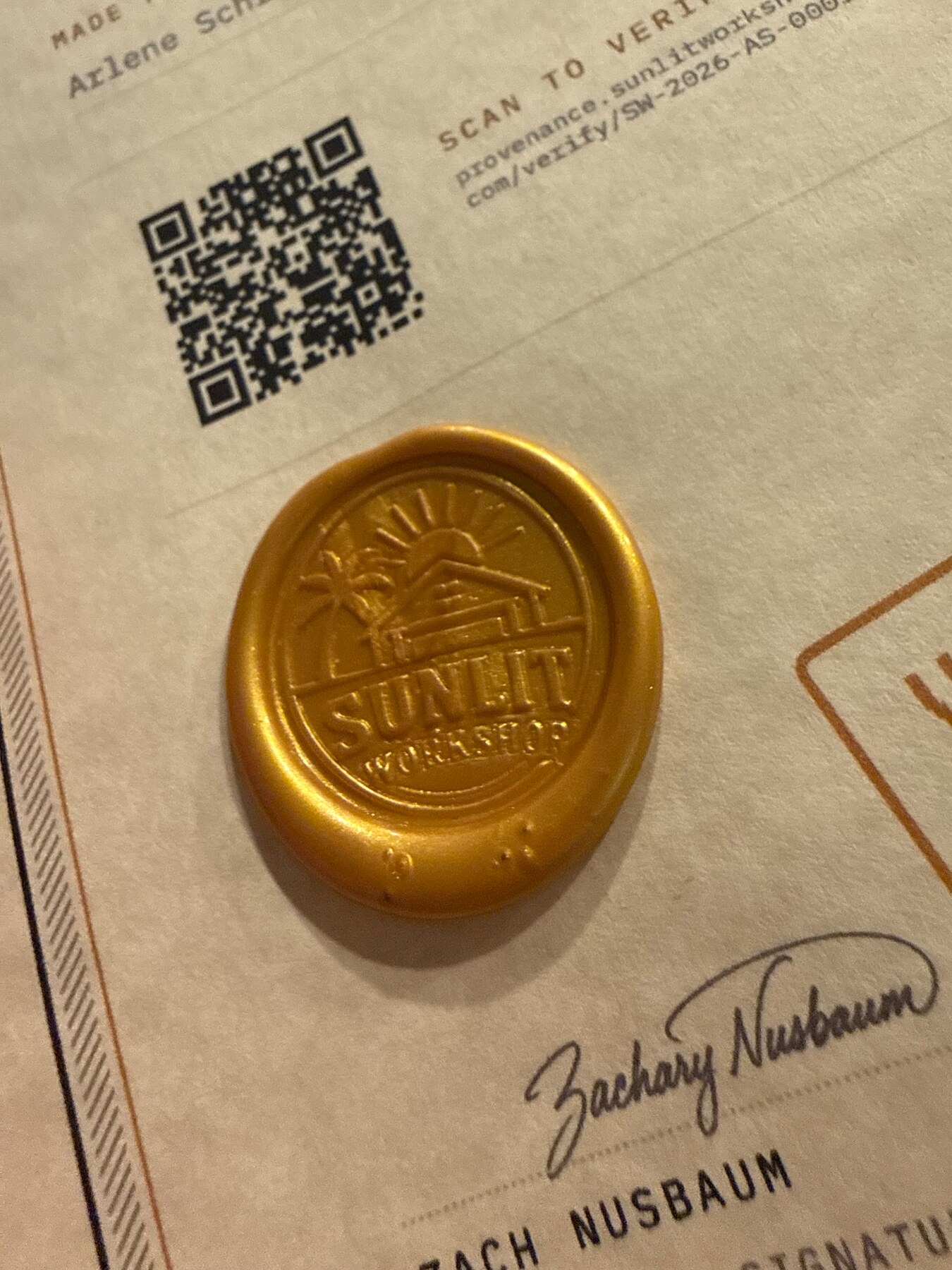
A custom brass Sunlit Workshop stamper pressed into a gold wax seal beside its QR code and certificate
Example Work · Custom brass stamper

01

QR code

A printed shortcut to the public record.

Scanning the square mark opens the matching page in Sunlit Verify. It confirms that the mark points to a real public record; because a printed code can be copied, it does not prove that the physical Work is present.

What you do: Scan with any phone camera.

02

Static tap tag

A tap-to-open link that stays the same.

The small NFC tag stores a fixed link. Tapping it is a convenient way to open the Work’s public record, much like scanning its QR code. The stored link can also be copied, so the tap proves the destination—not the presence of the original tag.

What you do: Tap the top of your phone to the tag.

03

Live secure tag

A tag that answers freshly each time.

On supported Works, the secure chip creates a new response for every tap. Sunlit Verify checks that fresh response and whether it arrived in the expected order, providing stronger evidence that the registered chip is there at that moment.

What you do: Tap again whenever you want a fresh check.

04

Certificate tag

The tap tag attached to the paper certificate.

This tag joins the paper certificate to the Work’s public serial and the certificate’s own registered tag. It carries a signed set of identifying fingerprints for the record and proof files—not the full files themselves—so Sunlit Verify can notice a substitution or mismatch.

What you do: Tap the certificate and compare its public serial with the Work.

05

The Work’s digital identity certificate

An independently checkable identity file issued for one Work.

This small digital certificate names the Work’s public serial, verification page, and unique fingerprint. It is issued by the Sunlit certificate authority and can be checked outside the website. If the Work is unfinalized, that certificate is revoked so it can no longer be presented as current.

What you do: Download it from the public record when available.

What every check can—and cannot—say

A public record establishes the identity Sunlit assigned to the Work and preserves its history. A QR scan or static tap only matches a mark to that record.

A successful live secure tap adds evidence that the registered chip answered freshly. It still cannot replace your own inspection of the physical Work, its condition, or its chain of custody.

Check a Sunlit public serial →